PICNICI Global
Plan a day trip in Korea: how to use PICNICI Global
Find day-trip courses around Korea, including drama filming location tours, get directions with Google Maps or NAVER Map, and save places with no account.
In Trenvid we looked at what the world is watching. This time we head outside: PICNICI Global, a guide to day trips in Korea for visitors.
PICNICI Global is a free guide to traveling in Korea, built around ready-made trip courses and places to visit. Pick a course by region, theme or length, follow it stop by stop with directions, and save what you like on your device. There is no login.
ZZXXCCVV sitePICNICI GlobalKorea day-trip courses for visitorsOpen1. Find a trip course
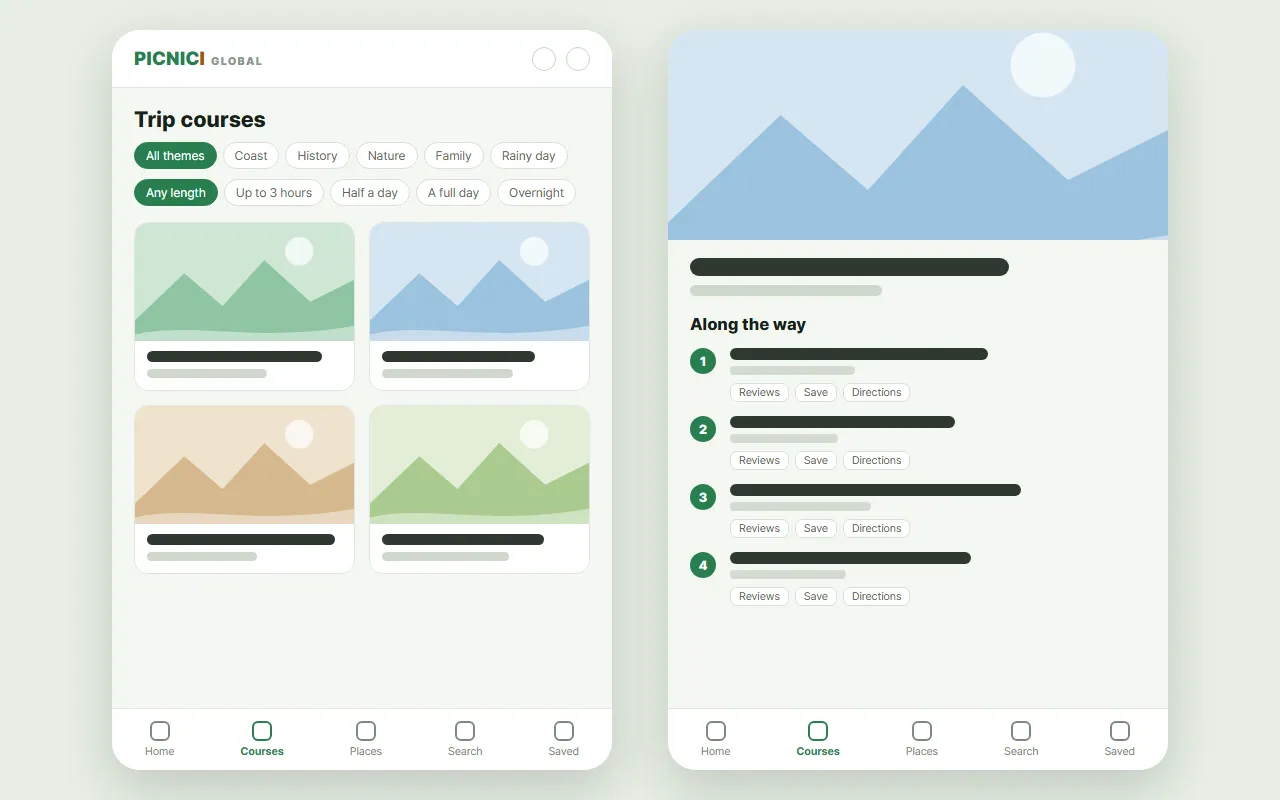
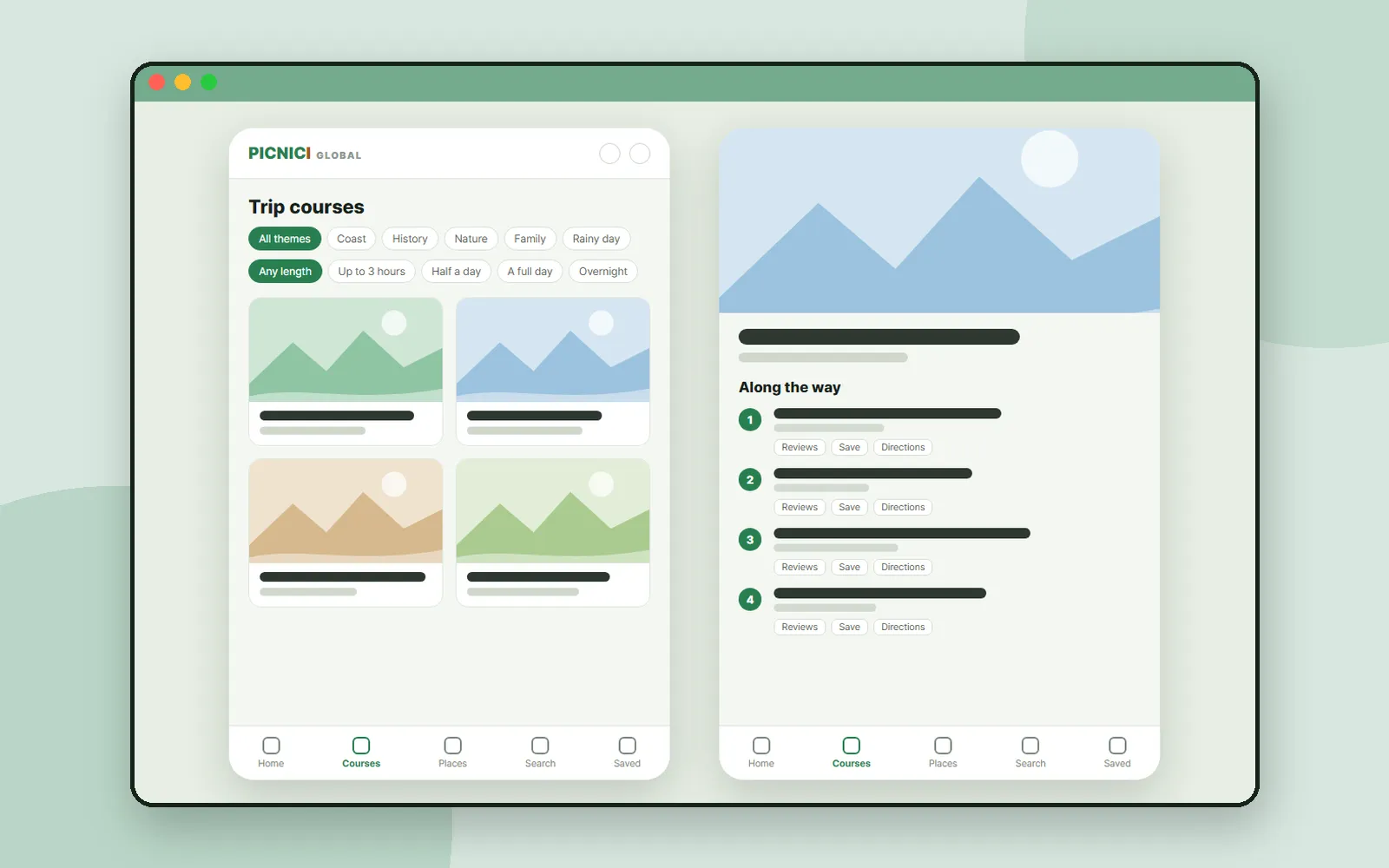
A mock of the screen layout. The real pages show photos and a map.
Open "Courses" in the bottom menu and narrow the list with three rows of chips:
- Region: start from all regions, or pick a province.
- Theme: Coast, History, Nature, Family, Couples, Solo or Rainy day.
- Length: Up to 3 hours, Half a day, A full day or Overnight.
Each card shows the region, how many stops the course has and how long it takes. Tap "Show how far from me" to see which courses are close to where you are.
2. Follow a course, stop by stop
A course page shows the stops on a map, then "Along the way", a numbered list of every stop. Each stop also shows its Korean name, which helps when you type it into a Korean map app or show it to someone. Under each stop are three buttons:
| Button | What it does |
|---|---|
| Reviews | Opens the place on NAVER Place, with reviews and photos |
| Save | Saves the stop on your device |
| Directions | Opens directions to that stop |
The Directions button offers Google Maps for public transit, or NAVER Map as an app or on the web. The site points out that in Korea, Google Maps covers transit and walking but not car navigation, so NAVER Map is the better choice if you are driving.
3. Browse places
"Places" opens a map of places you can visit. Choose a province, then a district, and filter by type: Attraction, Culture, Food, Leisure or Stay. Move the map and tap "Search this area" to see what is nearby, or tap "◎ My location".
A place page has an overview, details such as the address, phone number and website, a location map and nearby places. The overview is the Korea Tourism Organization's own text in that language, shown as it is.
4. Search and save
- Search finds places by name. You can type the name in this language or the Korean name, using at least two characters. Courses are not included in search.
- Saved keeps the courses and places you saved. They are stored on this device only, with no account, so clearing your browser data also clears the list.
5. A weather line for the day
If you have already allowed location access and you are in Korea, the front page shows a one-line weather summary for the day. On rainy days it adds a link to mostly-indoor courses, handy for changing plans at the last minute.
Coming up
Next time: Aha!So, a plain-language encyclopedia that explains hard ideas with everyday comparisons.
Frequently asked questions
Do I need an account to save courses and places?
No. Saved courses and places are kept on your device. Clearing your browser data will also clear the list.
Can I get directions to each stop?
Yes. The Directions button on each stop offers Google Maps for public transit, and NAVER Map as an app or on the web. The site notes that in Korea, Google Maps covers transit and walking but not car navigation.
Where does the information come from?
Courses and places come from the Korea Tourism Organization. Course descriptions are machine-translated, while place overviews use the Korea Tourism Organization's own text in each language.
Are there courses for K-drama filming locations?
Some courses visit drama filming locations, such as a filming location tour for "Descendants of the Sun". There is no dedicated filter, so browse the courses or open that course directly.