Trenvid
YouTube trending videos, country by country: how to use Trenvid
Compare trending YouTube videos across 11 countries: pick a country and category, read the rank cards, browse past charts, and use your phone as a YouTube remote.
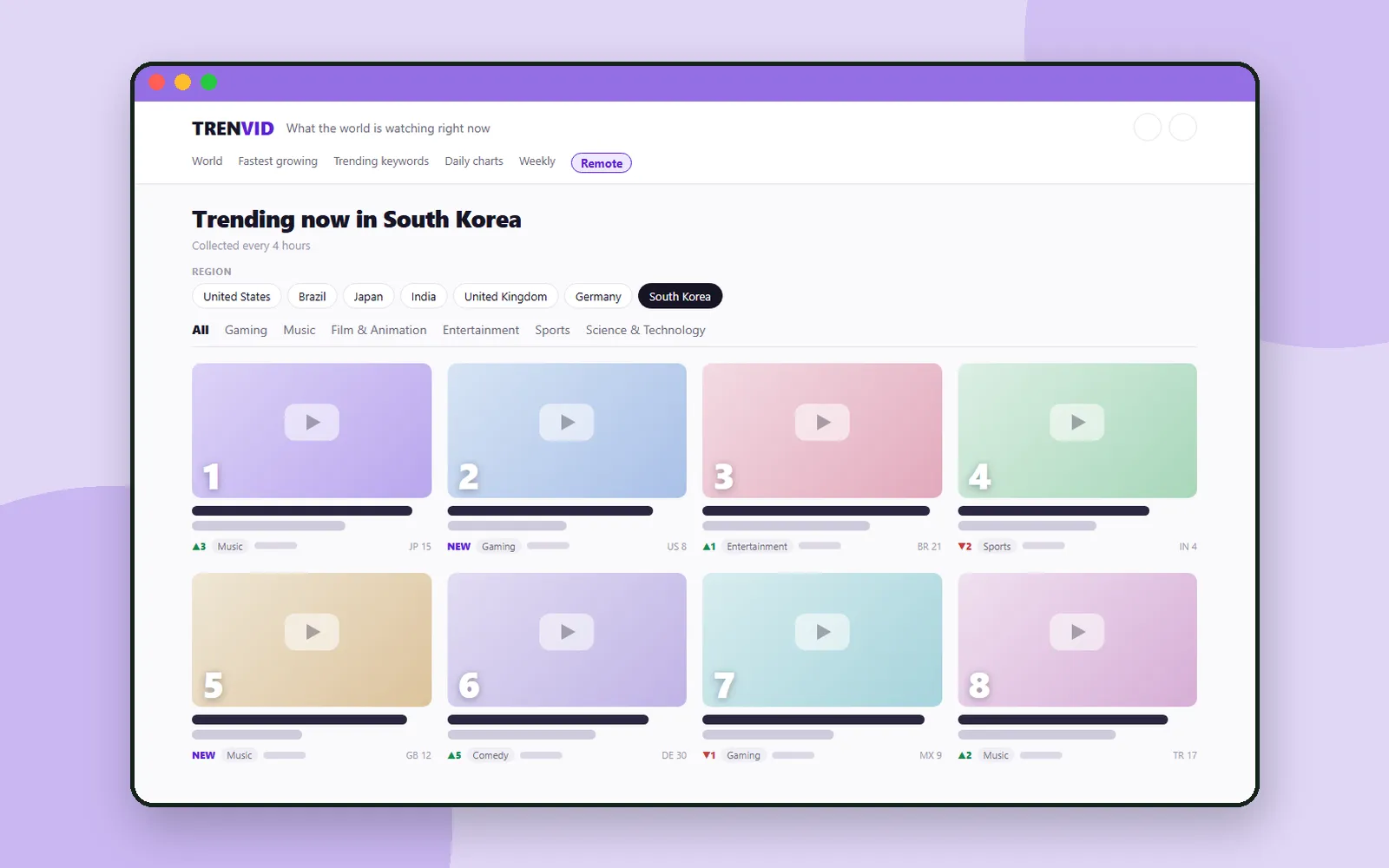
On any given day, the videos taking off in South Korea look nothing like the ones trending in Brazil or Japan. In Utilizy we looked at tools for small jobs. This time it is a site for seeing what the world is watching.
Trenvid is a place to compare trending YouTube videos from 11 countries on one screen. The charts are collected every four hours, and you can switch countries and categories as you go. It can also turn your phone into a remote for YouTube on a computer or TV. There is no sign-up.
ZZXXCCVV siteTrenvidTrending YouTube videos from around the worldOpen1. Pick a country and a category
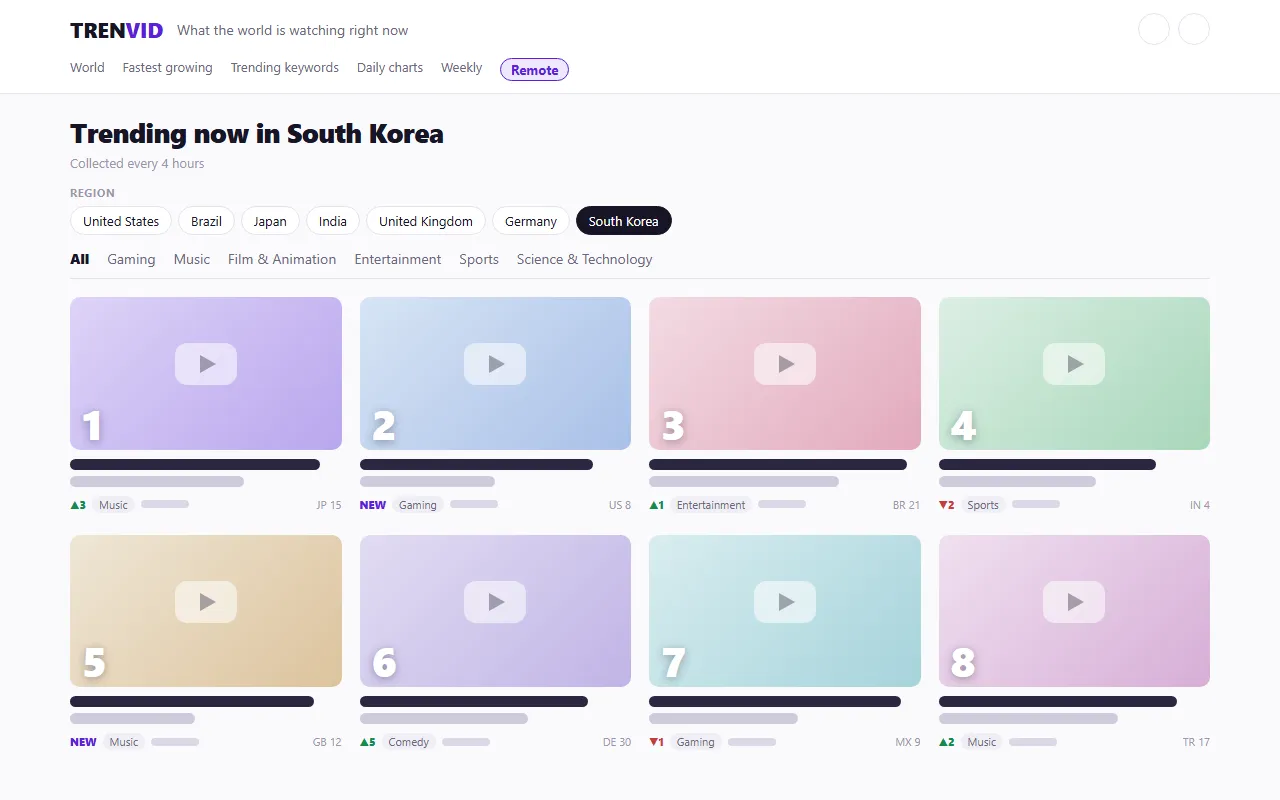
A mock of the front page layout. The real page shows video thumbnails and titles.
Choose a country with the region chips at the top: the United States, Brazil, Russia, Japan, India, the United Kingdom, Germany, France, Mexico, Türkiye or South Korea. Below them, the category tabs let you narrow the chart to Gaming, Music, Film & Animation, Sports, Science & Technology and more. Your category stays selected when you switch countries.
The interface language and the country are separate choices. The address /en/kr/ shows the South Korea chart in English, and /en/jp/ shows the Japan chart in English. Change the interface language with the globe icon at the top right.
2. How to read a rank card
Each card shows its rank as a large number over the thumbnail, with these details underneath:
| Label | Meaning |
|---|---|
| ▲3 · ▼2 | How many places the video moved up or down |
| NEW | A video that just entered the chart |
| Category | The video's category, such as Music or Gaming |
| A tag like JP 15 | Where the same video ranks in another country |
The number one video gets its own large card, and a video that tops several countries at once is marked as #1 in that many countries.
3. Zoom out: world, fastest growing, keywords and charts
The top menu gives you other ways to look at the charts:
| Menu | What you see |
|---|---|
| World | The number one video in each country, side by side |
| Fastest growing | Videos whose views are rising fastest |
| Trending keywords | Popular searches in each country, collected every six hours |
| Daily charts | Past charts by date; pick a day from the calendar view |
| Daily brief · Weekly | Pages that sum up a day or a week |
Once a day's chart is recorded, it never changes again, so the daily charts are handy for looking back at what was trending on a particular day.
4. On a video page
Tap a card to open the video page. The YouTube player does not load until you press play, and then the video plays right on the page. If you move to another page, it keeps playing in a small player.
- Where it is charting: a table of the video's latest rank, best rank, days on the chart and first appearance in each of the 11 countries.
- What this video is about: an automatic summary based on the video's captions. The site notes that it may be imprecise, so treat it as a quick guide.
- Watch on YouTube ↗ · Share: open the video on YouTube or share the link.
5. Use your phone as a YouTube remote
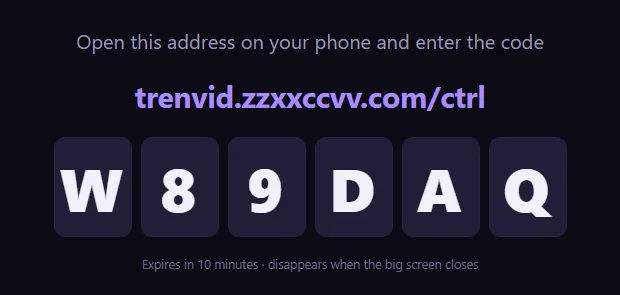
Play YouTube on a computer or TV, and pick and control videos from the phone in your hand. You need no app and no account, and the two devices do not have to be on the same Wi-Fi.
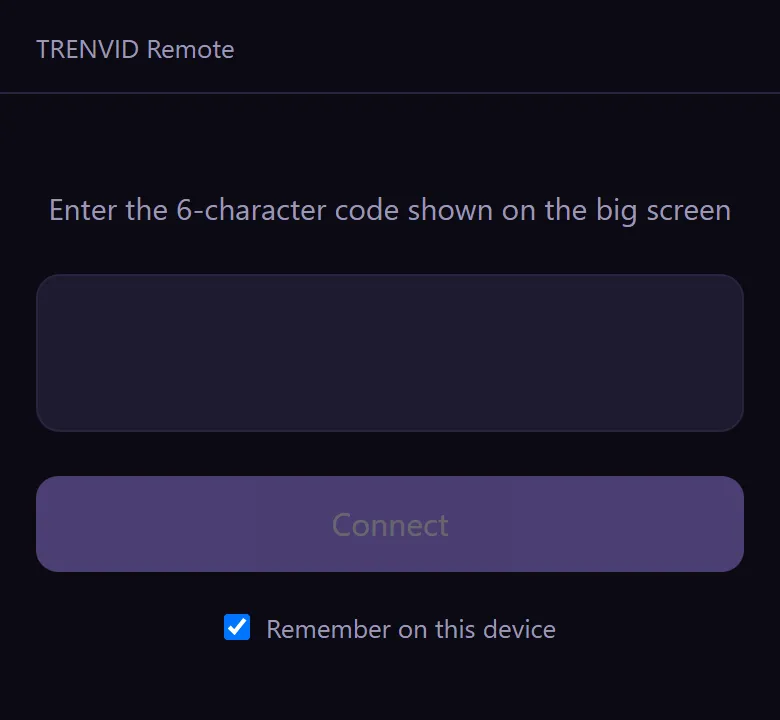
Once connected, the phone has three tabs. Play has 10-second skips, volume, captions, repeat and fullscreen. List lets you paste a YouTube link, manage a playlist and browse popular videos by country and category. Settings covers quality, speed and disconnecting.
6. Watch history
Videos you watch on Trenvid are listed under "Watch history". The history is stored only in the browser you are using, and you can clear it all at once.
Coming up
Next time: PICNICI Global, a free guide to day trips around Korea.
Frequently asked questions
How often do the Trenvid charts update?
Trending charts for each country are collected every four hours. Trending keywords are collected every six hours.
Which countries can I see?
Eleven: the United States, Brazil, Russia, Japan, India, the United Kingdom, Germany, France, Mexico, Türkiye and South Korea.
What do I need to control YouTube on a big screen with my phone?
No app, no account and no shared Wi-Fi. Open trenvid.zzxxccvv.com/play on the big screen, open /ctrl on your phone, and enter the six-character code shown on the big screen.
Where is my watch history kept?
Only in the browser you are using. You can clear it on the Watch history page.