Ppooing
How to use Ppooing: pick a free casual game and play, nothing to install
Casual games you play in your browser with no install or sign-up. Three ways to pick a game on Ppooing, plus game courses, game page buttons and favorites.
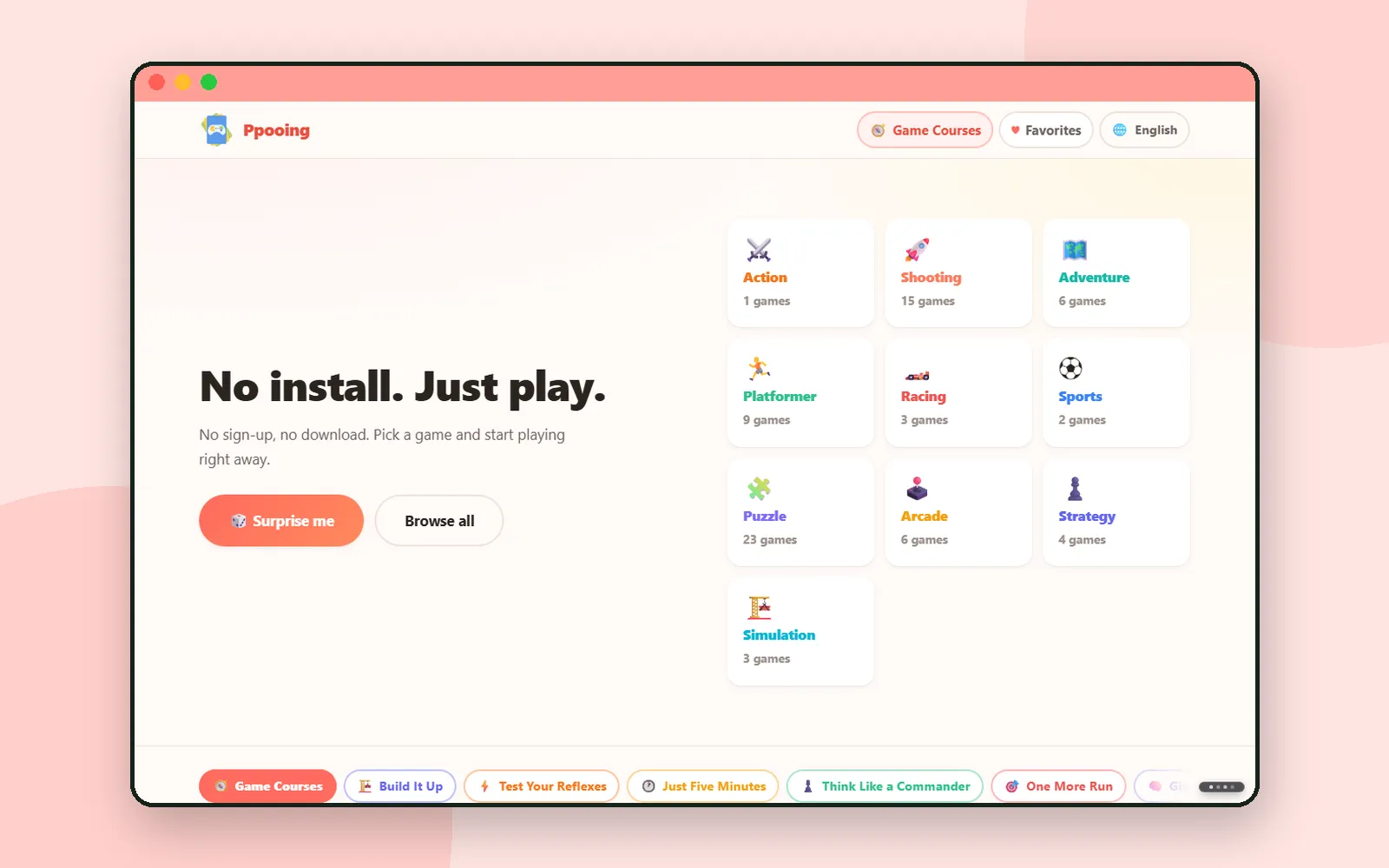
In Meet ZZXXCCVV we looked at the whole map. From this post on, we open the sites one at a time, starting with Ppooing.
Ppooing is a collection of free casual games you play right in your browser, with no install and no login. It has more than 70 games across 10 genres, such as puzzle, shooting and racing, and they work on both computers and phones. This post walks through how to pick a game on the front page, then the buttons you use on a game page.
ZZXXCCVV sitePpooingFree casual games — nothing to installOpenPicking a game on the front page
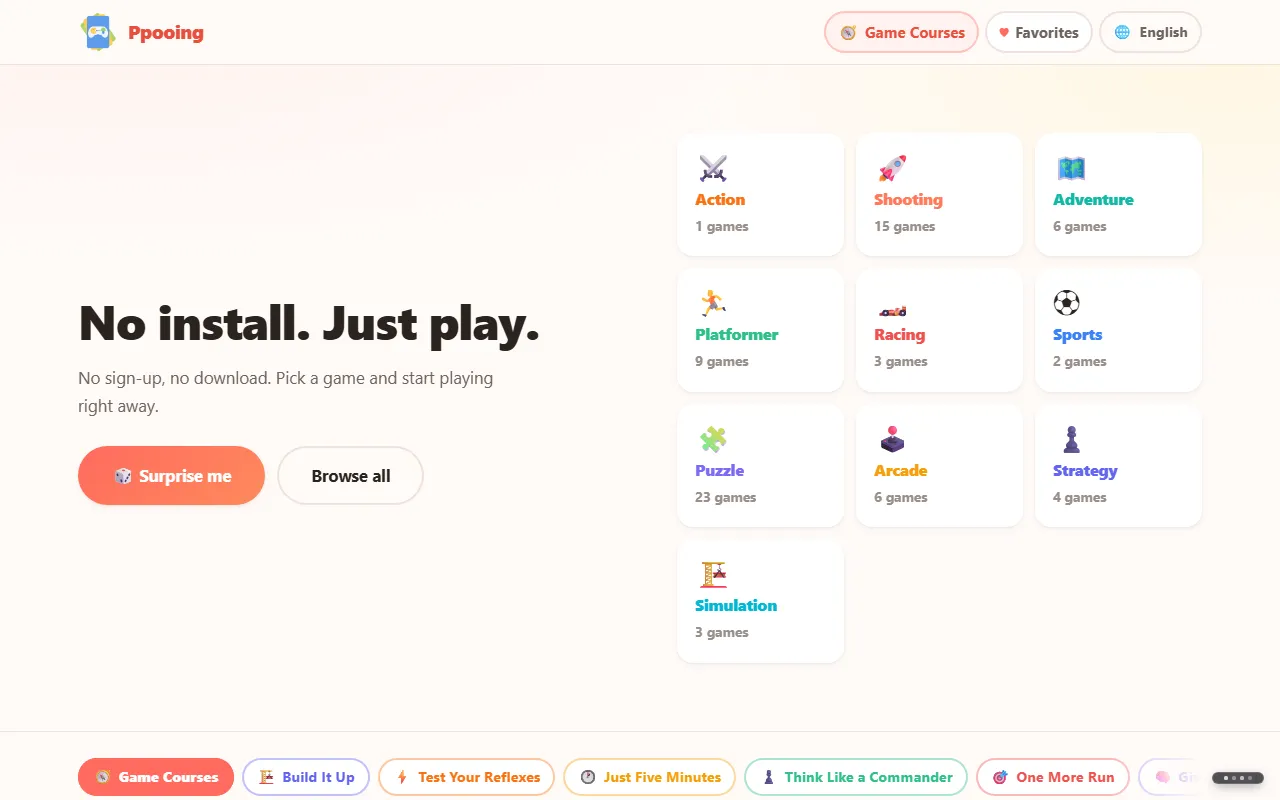
On the front page, two buttons sit under the line "No install. Just play.", with the genre tiles next to them. If you have not decided what to play, start with one of these three.
Game courses for your mood
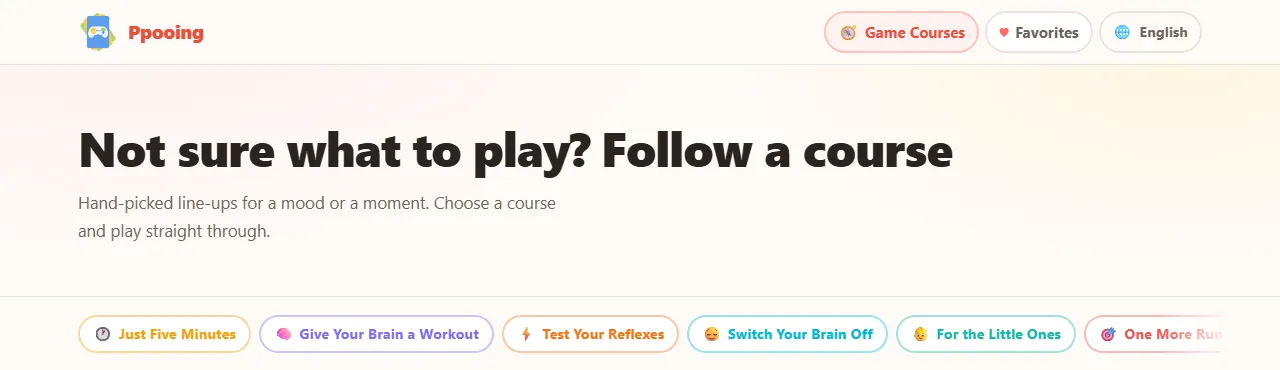
"Game Courses" in the top menu are short line-ups of five or six games picked for a mood or a moment. Choose a course and play through it in order, and you will not have to decide what to play each time.
| Course | What it is |
|---|---|
| Just Five Minutes | Quick rounds you can drop in and out of |
| Give Your Brain a Workout | Puzzles that reward taking your time |
| Test Your Reflexes | Split-second timing, no second chances |
| Switch Your Brain Off | Gentle games with nothing to lose |
| For the Little Ones | Easy, gentle games the whole family can share |
| One More Run | Endless runners that keep pulling you back |
| Build It Up | Shops to run and teams to raise, step by step |
| Blow Off Some Steam | Shoot, slice and smash the stress away |
| Think Like a Commander | Defend, deploy and out-plan the horde |
The buttons on a game page
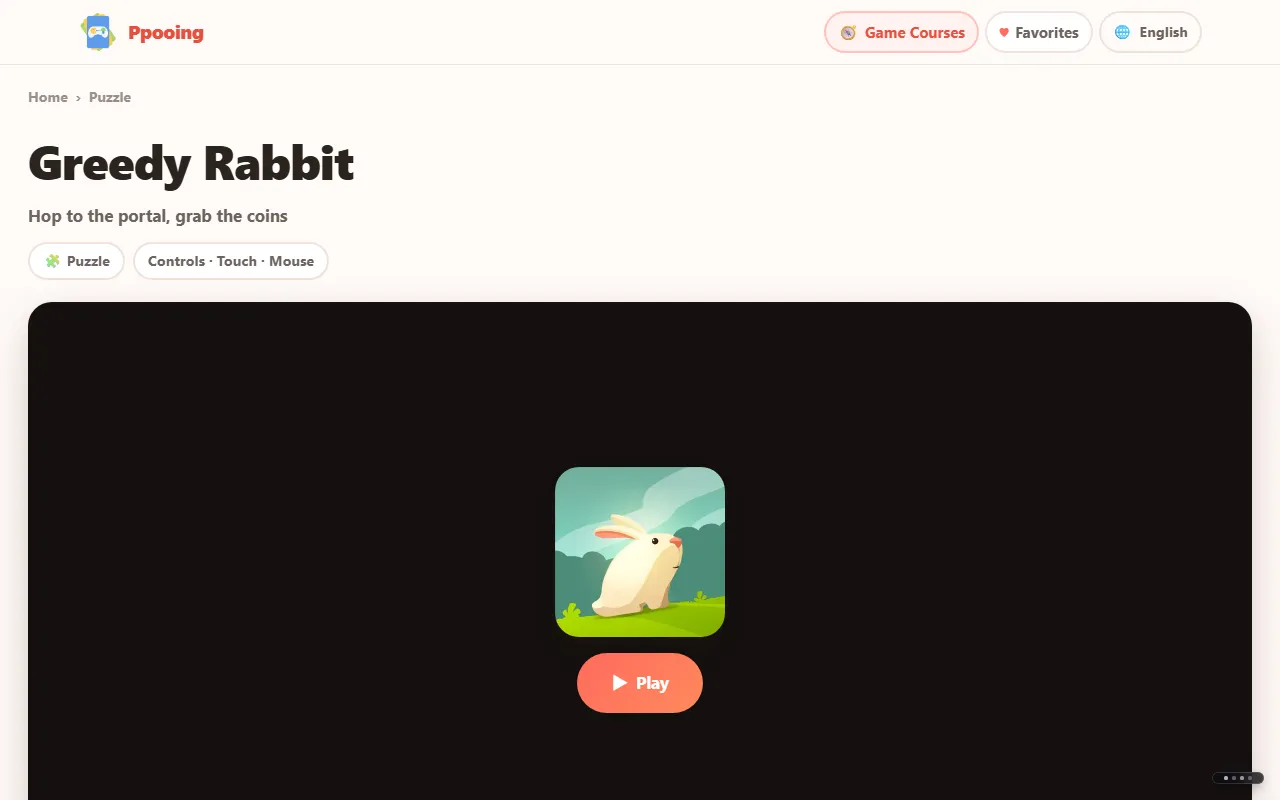
When you pick a game, its game page opens. The game does not start on its own: press "▶ Play" to start it. Once it starts, three buttons appear in the bar on the game screen.
| Button | What it does |
|---|---|
| ⛶ Fullscreen | Makes the game fill the screen. Handy for wide games on a phone |
| ↻ Restart | Starts the game over |
| ✕ Exit | Closes the game |
Below the game you will find the "🔗 Share" button, "How to play" with the controls, and "Similar games" picked from the same genre. On devices that support sharing, Share opens the share sheet; otherwise it copies the link.
Favorites and recently played
Press the heart on a game card and the game is added to "Favorites" in the top menu. The front page also shows your favorites and "Recently played", so you can jump straight back into a game. Recently played shows your last six games.
These lists are stored only in the browser you are using. Because there is no sign-up, your favorites will not appear on other devices or in other browsers.
Coming up
Next time: Korean Out Loud, where you learn Korean from YouTube videos with subtitles written by a person.
Frequently asked questions
Is Ppooing free?
Yes. Every game is free to play, and there is nothing to buy.
Do I need to sign up or install anything?
No. You need no account and no app. Pick a game and press the Play button.
Can I play on my phone?
Yes. The games work with touch and fit your screen. For wide games, the Fullscreen button makes them easier to see.
Will my favorites show up on another device?
No. Favorites and recently played games are stored only in the browser you are using, so they do not appear on other devices or in other browsers.